
Google Maps scraper
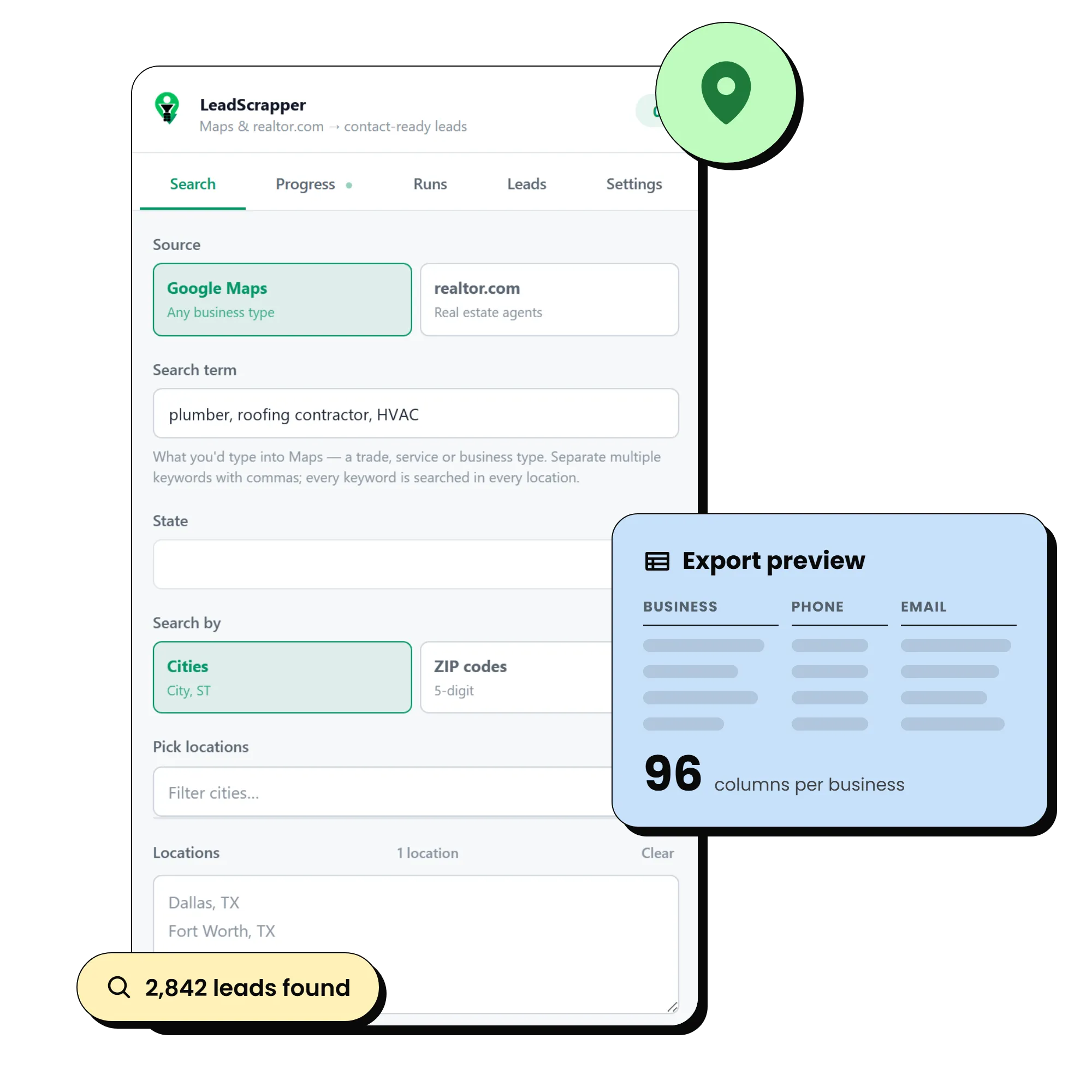
Type a business type and a list of cities or ZIP codes. Every listing is opened for its full record, every website is visited for an email address, and the results merge and dedupe across all your locations.
A Chrome extension that turns a Google Maps search for any kind of business into a contact-ready CSV: phones, emails, socials and the people behind every listing. Any niche, any city.
One payment. No subscription, no per-lead cost, no account to create.
Sell it as your own product, under your own name.
Unlimited, rebranded, resold by you
Prices in USD. All sales are final once payment is taken. Read the refund policy first.
2,842
leads from one completed run
One search term, one list of cities, one sitting.
96
columns for every business
Phone, email, socials, rating, address, hours, website audit.
53
fields for every person found
Name, title, direct line, email, licence number, LinkedIn.
Nothing staged and nothing cut. The purchase email arrives, the extension goes into Chrome, a search runs, and the CSV comes out the other end.
One extension, one side panel. Every part below is included in every plan.
Type a business type and a list of cities or ZIP codes. Every listing is opened for its full record, every website is visited for an email address, and the results merge and dedupe across all your locations.
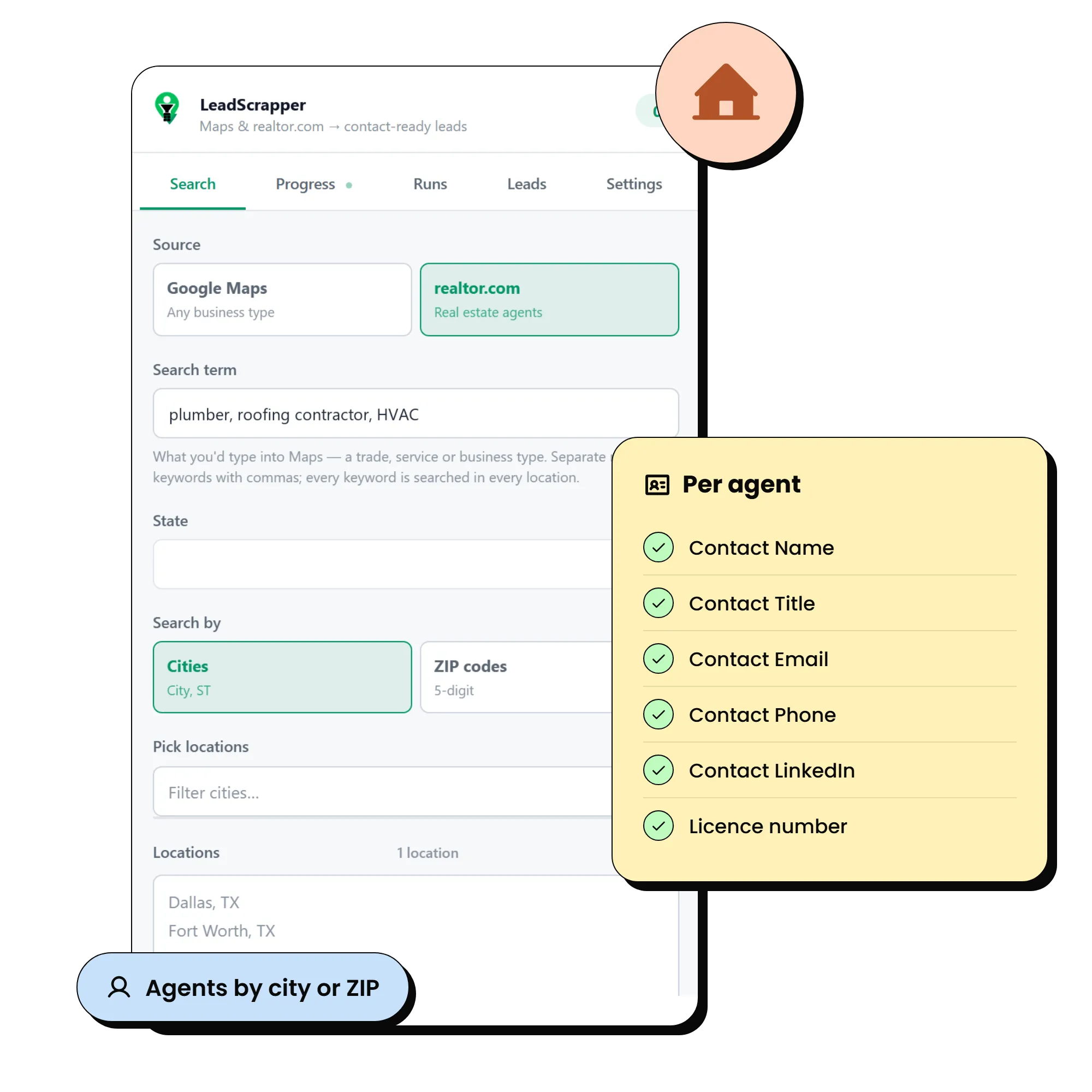
Point it at a market and it works through the agent directory the same way, then follows each agent to their own site for an email address, a direct line and their socials.
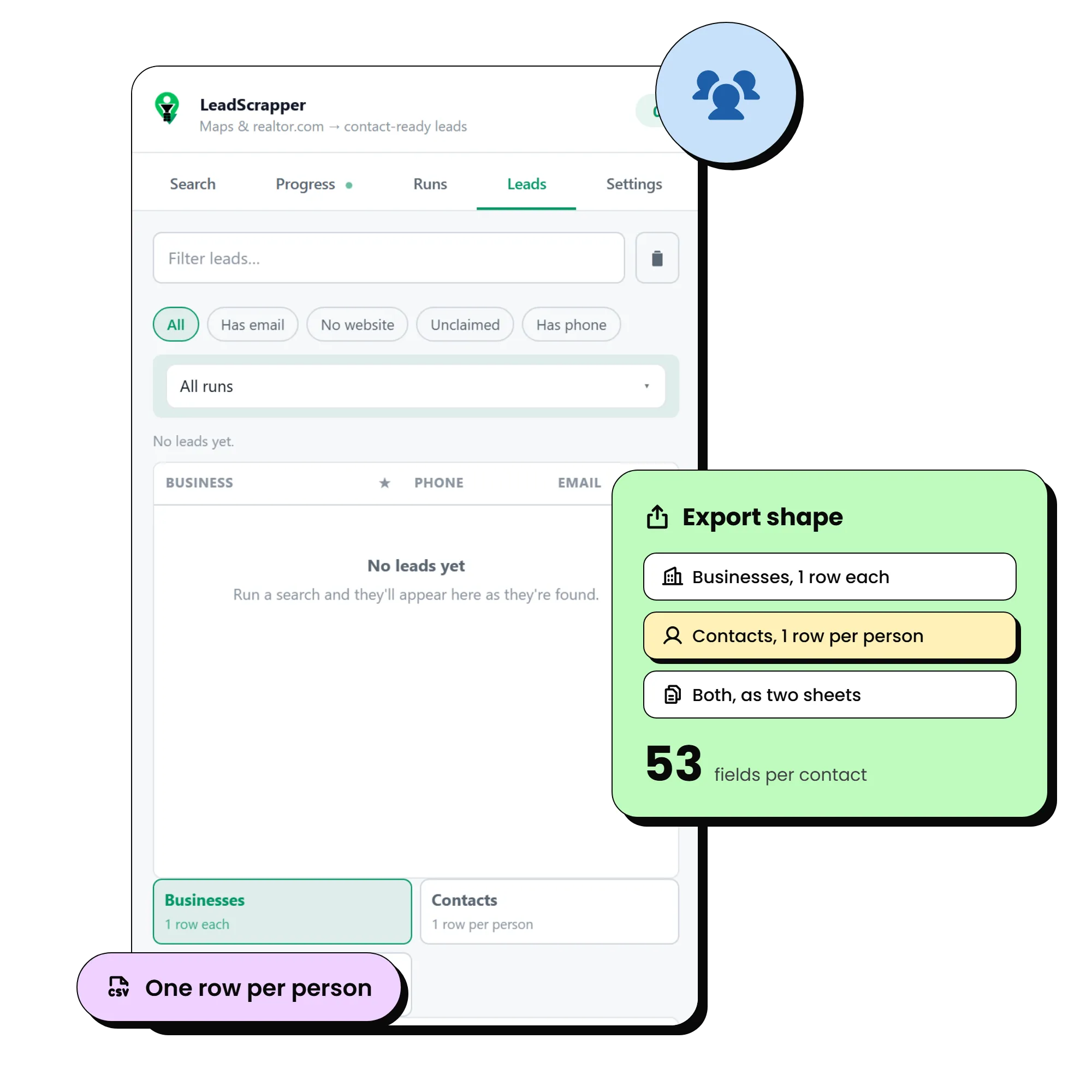
Turn on staff pages and the run also crawls whoever the business lists: owners, partners, managers, doctors, agents. People are ranked by title first, so the budget goes to the decision maker rather than to whoever is listed first.

Every site is checked for HTTPS, mobile friendliness, platform, tracking and how old it looks. Facebook adds followers and how long since the last post. The pitch angle is written into its own column.
Close the panel, quit Chrome, lose power. Every task is a durable row in the browser database, so the Runs tab offers Resume and picks up where it stopped. A CSV also lands in Downloads every 250 leads.
The most senior reachable person is promoted onto the business row, so the main sheet always has a human to address. Export the contacts sheet and import it into a CRM without joining anything.
$47 or $97, one time. No subscription, no per-lead cost, no account. Your leads stay in your own browser and never touch our servers.
Filter to businesses with no website, a site that is not mobile friendly, or a Facebook page that has gone quiet. The reason to call is already in the sheet.
Software, payments, supplies, staffing, cleaning, signage. Whatever you sell, every customer has a Maps listing. Pull the category and the area, and the owner is on the row.
Every local business is a policy or a plan waiting to be quoted. Pull the owner or the office manager rather than a generic inbox.
Deliver a clean, deduped list for any client in any niche, with emails and named contacts, while the competition on the job boards is still copying by hand.
Anyone who grows through partners. Build the list of every realtor, lender, attorney, inspector or advisor in your territory, with the person to call and their direct line already on the row.
Sell it under your own name to the clients you already serve. We rebrand it, keep it working when Chrome changes, and you keep every dollar of the retail price.
A few search terms that pull well in each field. Type them exactly as you would into Maps.
The no-website filter is at its most useful here. Many are still running on a phone number and a Facebook page.
Booking links and hours for all seven days are captured alongside the contact details.
High volume per city. Rating, review count and claimed status make it easy to sort the serious operators from the rest.
Instagram and TikTok handles land in their own columns, which is where these businesses actually live.
Firm pages list partners and associates by name, so the contacts sheet comes through with titles and direct lines.
Owner-operated and phone-first. The staff finder usually turns up the owner on the About page.
Use the realtor.com source for agents and Google Maps for everyone around them. Licence numbers land in their own column.
Agency sites usually list producers with a direct line. Those rows are exported as contacts.
Install it, run your first search, and open the CSV. One payment, yours for good.